OAuth Consent Phishing in 2026: Why a Fake App Can Read Your Mailbox Without Ever Stealing a Password, What Device Code Phishing Actually Exploits, and How to Lock Down App Consent in Microsoft 365 and Google Workspace
- Equipo de Internet Pros
- October 28, 2026
- Redes y Seguridad
Este artículo está disponible solo en inglés.
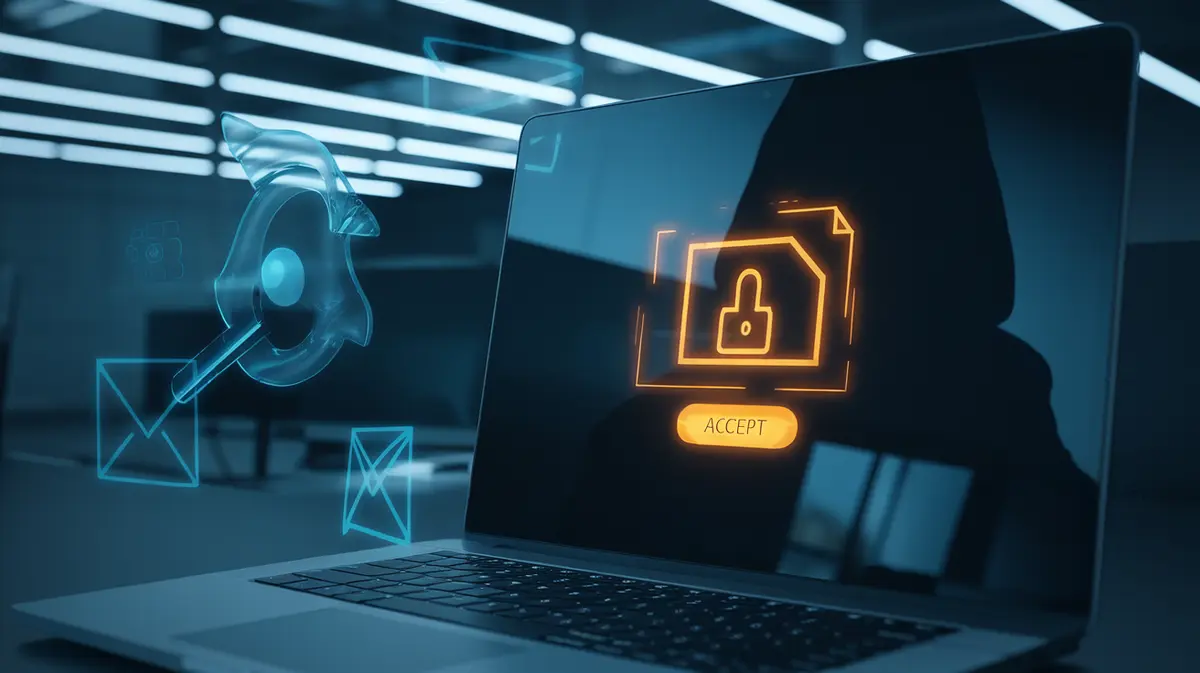
A staff member gets an email about a shared document, clicks the link, and lands on a real Microsoft or Google sign-in page. There is no fake login form and no password is stolen. They see a small box asking them to let an app "read your mail" and "maintain access to data you have given it access to", and they click Accept. That one click gives an attacker a token that reads the mailbox for months, survives a password reset, and never triggers a multi-factor prompt. In 2026 this kind of attack, called consent phishing, along with its close cousin device code phishing, is one of the most common ways cloud accounts are taken over.
Why This Is Not Ordinary Phishing
Classic phishing steals a password. Companies have spent years defending against that with MFA, passkeys and filters that block fake login pages. Consent phishing goes around all of it, because the victim really does sign in to the real identity provider. What they hand over is not a password but permission.
Microsoft 365 and Google Workspace both use OAuth, the standard that lets a third-party app such as a scheduling tool or an e-signature service work with your account without knowing your password. The app asks for specific scopes (read mail, send mail, read files) and the user approves them on a consent screen. The identity provider then issues the app an access token and, usually, a refresh token that it can use to get new access tokens for weeks or months.
An attacker only needs to register an app, give it a convincing name and logo such as "DocuSign Secure Viewer" or "Microsoft Teams Update", and send the consent link. The sign-in page is genuine, the URL is genuine, and the padlock is genuine. Only the app is malicious.
Changing the password does not remove an app the user has approved. The refresh token keeps working until someone revokes the grant, which is why consent phishing often goes unnoticed long after the first incident is supposedly cleaned up.
Device Code Phishing: The 2025-2026 Variant
The device code flow was designed for devices without a keyboard, such as smart TVs and conference room systems. The device shows a short code and tells you to visit a page like microsoft.com/devicelogin on your phone and type it in. Once you sign in there, the device receives tokens for your account.
Attackers turned this around. They start the flow themselves, take the code, and send it to the target in a message, often posing as a Teams meeting invite or an IT support request: "Enter this code to join the call." The victim goes to the real Microsoft page, enters the code, completes MFA, and the attacker's session receives the tokens. Security researchers tracked several state-linked groups running large campaigns this way from early 2025, and criminal phishing kits added it soon after. Codes expire within about 15 minutes, so attackers send them through live chat or messaging apps rather than ordinary email.
What an Attacker Can Do With a Grant
| Permission requested | What it sounds like | What it actually allows |
|---|---|---|
| Mail.Read / gmail.readonly | "Read your mail" | Search every message, including invoices, password reset links and contracts |
| Mail.Send / gmail.send | "Send mail as you" | Send invoice fraud and phishing from a trusted internal address |
| MailboxSettings.ReadWrite | "Manage your mailbox settings" | Create hidden rules that forward or delete replies so the victim never sees them |
| Files.Read.All / drive.readonly | "Read all files you can access" | Download every SharePoint, OneDrive or Drive file shared with the user |
| offline_access | "Maintain access to data you have given it access to" | A refresh token, so the access keeps going after the browser is closed |
The most common result is business email compromise. The attacker reads ongoing conversations about payments, waits for an invoice, then sends new bank details from the real mailbox, with a forwarding rule hiding the customer's replies.
Why MFA and Passkeys Do Not Stop It
MFA protects the sign-in. In consent and device code phishing the sign-in is real and the user passes MFA themselves. Even phishing-resistant passkeys only prove that the user is on the genuine site, and in both attacks they are. The weak point is the decision made after signing in, so the defences have to cover that decision.
How to Lock It Down
Microsoft 365 / Entra ID
- Set user consent to "verified publishers, low-risk permissions only" or turn it off entirely
- Turn on the admin consent workflow so staff can request an app instead of approving it themselves
- Use a Conditional Access policy to block the device code flow for everyone except the meeting room devices that need it
- Review Enterprise Applications regularly for apps with mail or file scopes
Google Workspace
- Under API Controls, set unconfigured third-party apps so users cannot grant access to restricted Google data
- Mark Gmail and Drive as restricted services and allowlist only trusted apps
- Check the OAuth log events in the Admin console audit log for new grants
- Block access for apps that are no longer used
If You Think a Grant Has Already Happened
- Revoke the app's consent first, then revoke the user's sessions and refresh tokens. A password reset on its own is not enough.
- Check mailbox rules for forwarding, deletion or rules that move messages to rarely used folders such as RSS Feeds.
- Look at the sign-in logs for "device code" authentications and for app sign-ins from unfamiliar locations.
- Warn finance and customers if invoices or payment details may have been read or changed.
What to Tell Staff
Training should add two simple rules to the usual phishing advice. First, a box asking for permissions is a decision, not a formality: if an app you did not knowingly install wants to read your mail or files, cancel and ask IT. Second, never type a code someone sent you into a Microsoft or Google page. Real meeting invites do not need it, and no helpdesk will ask for it.
En resumen
Consent phishing works because every part of it is genuine except the app. Strong passwords and MFA are still essential, but in 2026 the account itself is only half of the problem. The other half is the list of apps and devices that the account has trusted. Restricting who can grant consent, blocking the device code flow where it is not needed, and reviewing app grants each month closes a route that most small businesses have never checked.
Need help reviewing app consent settings in Microsoft 365 or Google Workspace? Contact Internet Pros for a cloud account security review.