SIM Swapping in 2026: Why Your Phone Number Is the Weakest Link in Account Recovery, What Carrier Port-Out Locks Actually Stop, and How to Move Your Logins Off SMS
- Equipo de Internet Pros
- October 5, 2026
- Redes y Seguridad
Este artículo está disponible solo en inglés.
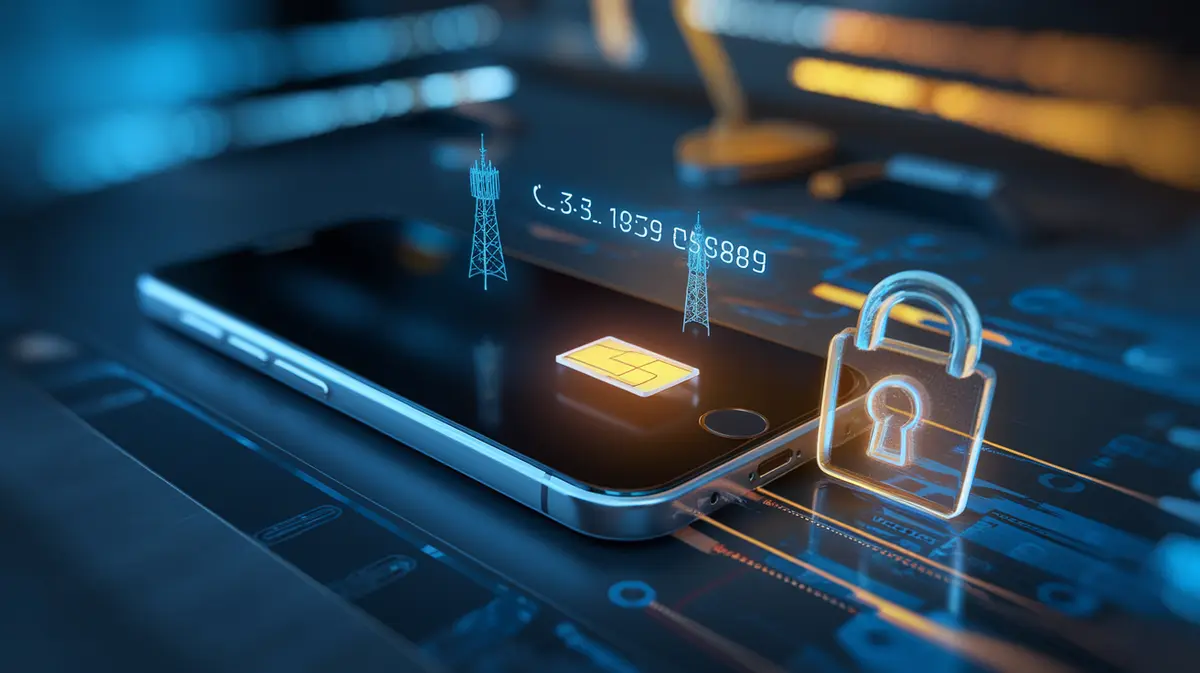
Most people think of their phone number as a contact detail. To attackers it is a master key. Banks, email providers, payroll portals and crypto exchanges still send one-time codes and password reset links by text message, so whoever controls your number can often reset everything attached to it. A SIM swap or port-out attack moves your number to a phone the attacker holds, usually by talking or bribing their way past your mobile carrier. Your phone quietly drops to “No Service” and the codes start arriving somewhere else.
Two Ways to Steal a Number
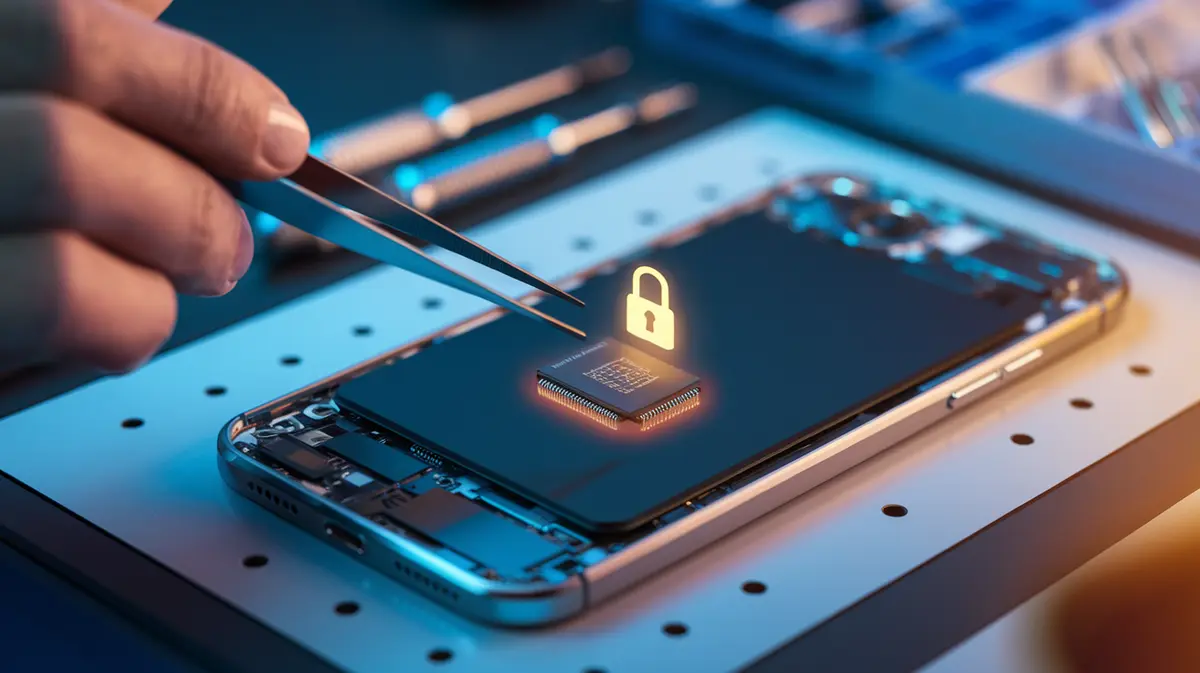
A SIM swap keeps your number with the same carrier but moves it to a new SIM or eSIM. The attacker calls support or walks into a store pretending to be you, claims the phone was lost, and asks for a replacement. With eSIM this can now happen entirely online through a carrier app or a QR code, with no plastic card involved.
A port-out moves your number to a different carrier altogether. Number portability rules exist so customers can switch providers easily, and the receiving carrier only needs the account number, the billing details and a transfer PIN from the losing carrier. If those details leak, the number leaves.
Both attacks rely on the same weakness. The carrier decides who owns the number based on information that is often already for sale. Names, addresses, account numbers and the last four digits of a Social Security number turn up in data breaches every year. Some of the largest incidents have involved carrier employees who were paid to make the change directly.
Why One Number Unlocks So Much
Once the number moves, the attacker goes straight to “Forgot password”. Many services treat a text message as proof of identity for account recovery even when the normal login uses something stronger. That is the real gap. You might protect your email with an authenticator app and still have your mobile number listed as a recovery option, which skips the app entirely.
US guidance has already moved on. NIST SP 800-63B classifies SMS and voice codes as a “restricted” authenticator because they depend on the phone network rather than on a device you hold. The FBI has warned about SIM swap fraud for years, and its Internet Crime Complaint Center has logged tens of millions of dollars in reported losses in a single year. Businesses face a quieter version of the same risk. An executive’s number that has been hijacked can approve wire transfers, reset a cloud admin account or pass a help desk’s call-back check.
| Login or recovery method | Survives a SIM swap? | Why |
|---|---|---|
| SMS or voice one-time code | No | The code goes to whoever holds the number |
| Password reset by text message | No | Hands the attacker a full account takeover, often without the password |
| Email-based reset | Only if the email itself is not recoverable by SMS | Attackers chain the takeovers: phone number, then email, then everything else |
| Authenticator app (TOTP) or push approval | Yes | The secret lives on your device, not on the phone network |
| Passkey or hardware security key | Yes | Bound to the device and to the real website, which also stops phishing |
A strong login does not help if account recovery still accepts a text message. Attackers do not need the front door when the back door only asks for your phone number.
What Carriers and Regulators Changed
In late 2023 the FCC adopted rules that require US wireless carriers to use secure methods to authenticate a customer before a SIM change or port-out. Carriers also have to notify customers when either is requested, and offer a free way to lock the account against both. Each of the large carriers now offers a version of this protection, under names like SIM protection, number lock or wireless account lock. All of them block SIM changes and port-outs until the account holder switches the lock off from an authenticated session.
These locks are the single most effective step, but they are usually off by default. They also only protect the line they are set on, so a business with fifty company phones has fifty switches to flip. Insider attacks and very determined social engineering can still get through. The aim is to make your number a harder target than the next one, then make sure losing it does not cost you your accounts.
Warning Signs That a Swap Is Happening
- Your phone suddenly shows “No Service” or “SOS only” in an area where it normally works.
- You receive a text or email from your carrier about a SIM change, eSIM activation or transfer request that you did not make.
- Password reset or new-login emails arrive for accounts you were not using.
- Friends report odd calls or messages “from you”.
Speed matters. Call the carrier from another phone, say you suspect a SIM swap or fraudulent port, and ask for the line to be frozen and restored. Then change the passwords on your email first, because every other reset flows through it.
Checklist: Making Your Phone Number a Dead End for Attackers
- Turn on the carrier lock. Enable SIM protection and port-out protection on every line, including company phones.
- Set a unique account PIN. Use a random carrier PIN that is not a birthday or the last four digits of a Social Security number, and store it in a password manager.
- Remove the phone number from recovery. Take SMS off your email, cloud admin, banking and domain registrar accounts wherever the service allows it.
- Move logins to passkeys or an authenticator app. Give administrators and finance staff hardware security keys.
- Save backup codes offline. Store printed or vaulted recovery codes so you can get back in without the phone.
- Fix your help desk. Never reset an account or MFA based on a call from a number alone. Verify through a second, pre-registered channel.
- Keep the number private. Use a separate, unpublished number for account security and a public one for business contact.
En resumen
Your phone number was never designed to be an identity credential, yet much of the internet still treats it as one. Carrier locks and the new FCC rules make SIM swaps harder, but the lasting fix is to stop relying on the number at all. Lock every line, remove SMS from account recovery, and move important logins to passkeys or authenticator apps. Then, if someone does steal your number, all they get is your phone calls.