Smart TV Tracking in 2026: Why Your Television Takes Snapshots of Whatever Is On Screen, What Automatic Content Recognition Data Is Actually Sold For, and How to Turn It Off on Every Major Brand
- Equipo de Internet Pros
- October 17, 2026
- Redes y Seguridad
Este artículo está disponible solo en inglés.
Smart TVs are cheap for a reason. A 55-inch 4K set that costs less than a phone is often sold close to cost, and the maker earns the rest over the following years from ads and data. A large part of that data comes from a feature most owners have never heard of: Automatic Content Recognition, or ACR. It lets the TV work out what is on the screen, whatever the source, and report it back. Here is how it works, who uses the data, and how to switch it off.
How a TV Recognises What You Watch
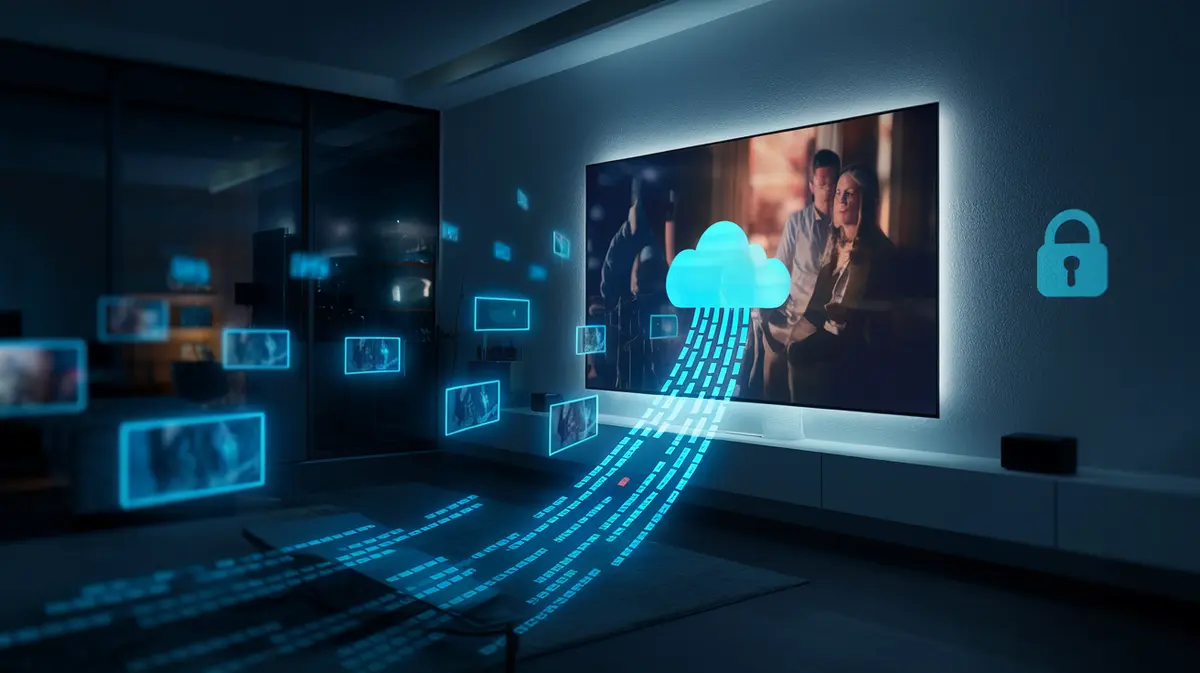
ACR works much like a song-recognition app. Several times a minute, software built into the TV takes a small sample of the picture, the sound, or both. It does not upload the full image. It turns the sample into a compact fingerprint, a short string of numbers, and sends it to a server. The server compares it against a huge library of fingerprints from broadcast channels, streaming shows, films and ads, and returns a match: this channel, this programme, this ad, at this second.
The key detail is that ACR looks at the final picture on the panel, not at the app that produced it. That means it can recognise content from a cable box, a game console, a Blu-ray player or a streaming stick plugged into an HDMI port, even though the TV maker has no relationship with any of those devices. A 2024 academic study of Samsung and LG sets in the US and UK found ACR traffic while the TVs were showing content from external HDMI sources, and found that switching the setting off stopped that traffic.
Your streaming app knows what you watch inside that app. Your TV, with ACR on, can know what you watch across every app and every box plugged into it.
What the Data Is Actually Used For
The match results are combined with the TV’s IP address, device ID and, often, other data from data brokers. That creates a household viewing profile. The main buyers are advertisers and media companies.
- Ad measurement. Brands want proof that a TV ad was actually shown, and to whom. ACR data shows which households saw the ad.
- Targeting across devices. Because the TV and your phone usually share the same home IP address, a household that watched a car ad on TV can later be shown the same brand online.
- Attribution. Viewing data can be matched with store visits or website purchases to estimate whether an ad led to a sale.
- Recommendations. The TV’s home screen uses the same data to suggest shows and push its own free ad-supported channels.
The companies involved include the TV makers’ own ad businesses, such as Samsung Ads and LG Ad Solutions, and data firms such as Samba TV and Vizio’s Inscape. Vizio, owned by Walmart since late 2024, has said openly that its ad and data business earns more profit than selling the TVs themselves.
The Rules Are Catching Up, Slowly
In 2017 Vizio paid $2.2 million to settle claims from the US Federal Trade Commission and the state of New Jersey that it collected viewing data from about 11 million TVs without proper consent. Since then, most makers ask for permission during setup. The problem is how they ask. The ACR request is often bundled into a long list of agreements on the first-run screen, where “Accept all” is the obvious button.
Pressure is growing. In December 2025 the Texas attorney general sued five major TV brands, claiming their ACR practices amounted to unlawful surveillance of viewers. State privacy laws in California, Colorado, Virginia and others treat this kind of data as personal information, which gives residents the right to opt out of its sale. In the UK and EU, the GDPR requires clear consent, which is one reason the 2024 study found much less ACR traffic from UK sets.
How to Turn It Off, Brand by Brand
Menu names change with each model year and software update, so use these as a guide. If you cannot find the option, search the settings for “viewing”, “ACR” or “privacy”.
| Brand | What the feature is called | Where to look |
|---|---|---|
| Samsung | Viewing Information Services | Settings > General & Privacy > Terms & Privacy |
| LG | Live Plus, plus Viewing Information in User Agreements | Settings > General > System > Additional Settings |
| Vizio | Viewing Data | System > Reset & Admin |
| Roku TV (TCL, Hisense and others) | Use Info from TV Inputs | Settings > Privacy > Smart TV Experience |
| Google TV (Sony, TCL, Hisense) | Varies: Samba Interactive TV or the maker’s own viewing-data option | Settings > Privacy, and the maker’s own settings menu |
While you are in the menus, also turn off ad personalisation and reset the advertising ID, and switch off voice or microphone features you do not use. A factory reset or a major software update can switch these options back on, so check them again afterwards.
Smart TVs in the Office
Most businesses have smart TVs in meeting rooms, lobbies and break rooms, and they are rarely managed like computers. In a meeting room, the TV is often a display for laptops showing financial slides, client files and product plans. ACR only sends fingerprints, not screenshots, but there is no good reason for that screen to report anything to an ad company.
A short checklist for business TVs and displays
- Prefer commercial displays. Business-grade signage and meeting-room screens usually ship without ACR and get longer security support.
- Do not connect it if it does not need it. A TV used only as a laptop screen does not need the internet. Leave Wi-Fi off and Ethernet unplugged.
- Isolate the ones that must be online. Put TVs and streaming sticks on a separate IoT network that cannot reach your file servers or staff laptops.
- Opt out at setup. Decline viewing-data and ad agreements during first-run setup, and write down the settings so the next person can check them.
- Watch the DNS logs. A firewall or DNS filter shows which ad and data domains each TV contacts. Blocking them can work, but some TVs break features or nag when blocked, so test first.
En resumen
ACR is the reason many smart TVs are so cheap. It is legal in most places as long as you agreed to it, and most people did, without reading the screen. Turning it off takes five minutes and does not affect picture quality or streaming apps. At home it is a simple privacy win. In the office, treat every connected screen as a networked device: switch off the data collection, keep it on its own network, and do not connect it at all if it is only a monitor.
Need help securing the connected devices in your office?
Internet Pros helps businesses find and lock down smart TVs, meeting-room displays, printers and other IoT devices, set up separate guest and IoT networks, and filter tracking traffic at the firewall. Contact our team to talk it through.