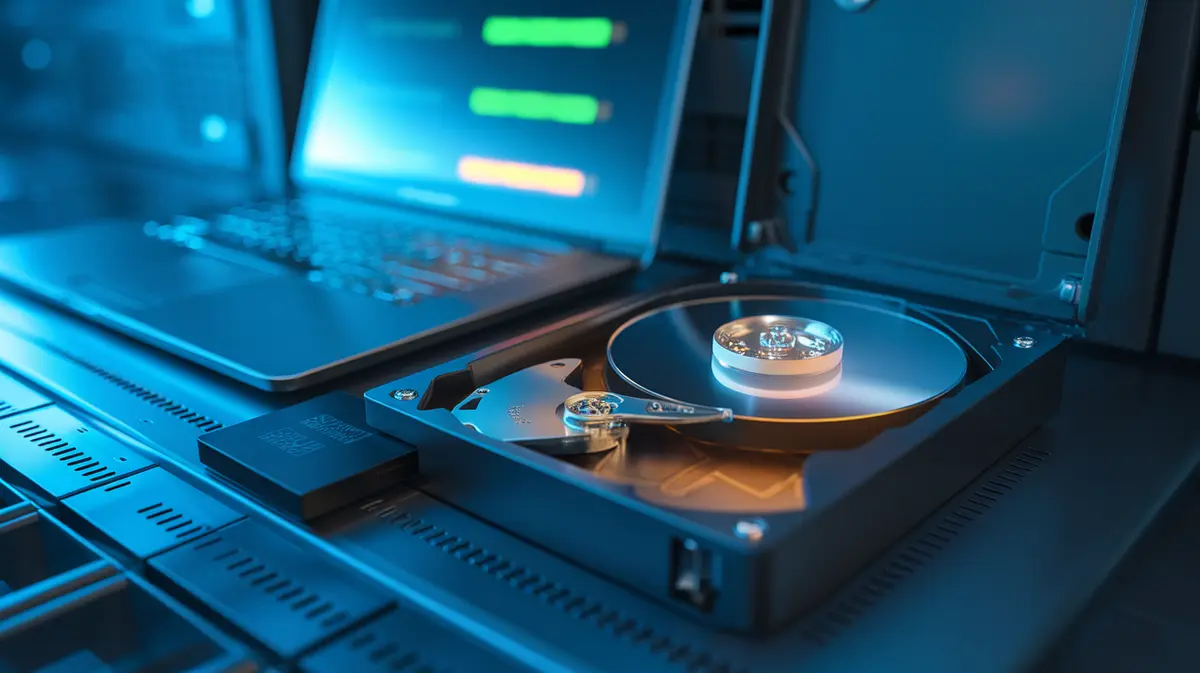
Drive Failure in 2026: Why SSDs Die Without Warning While Hard Drives Usually Give Notice, What SMART Attributes and TBW Ratings Actually Predict, and How to Replace a Drive Before It Takes Your Data With It
- Equipo de Internet Pros
- October 19, 2026
- Redes y Seguridad
Este artículo está disponible solo en inglés.
Every storage drive will fail eventually. The only questions are when, and whether you see it coming. Hard drives are mechanical, and they often slow down, click or log a growing list of bad sectors for weeks before they quit. Solid-state drives have no moving parts and fail less often, but when they do, they are more likely to vanish all at once. Both kinds keep a running health record called SMART, and most offices never look at it. Here is how drives really fail, which numbers are worth watching, and how to swap a drive while it is still readable.
How Hard Drives Fail
A hard drive is a stack of spinning platters with read and write heads floating a few nanometres above them. Most failures come from that mechanism.
- Media defects. Small areas of a platter stop holding data reliably. The drive moves the data to a spare area and marks the old sector as bad. A few are normal. A count that keeps rising is not.
- Head and motor wear. Heads degrade, bearings wear, and a drop or knock while running can make a head touch the platter. This is the classic click of death.
- Electronics. Power surges and heat can kill the controller board, often with no warning at all.
Failures follow a rough bathtub curve: a small bump of early failures in the first months, a long flat stretch, then a rise as drives age past five years or so. Backblaze, which publishes quarterly statistics for hundreds of thousands of drives in its data centres, typically reports annualised failure rates of around 1 to 2% for hard drives as a whole, with some individual models far higher. A small business with 20 drives should expect to replace one every few years even with good hardware.
How SSDs Fail
Flash memory wears out by being written. Each cell can only be erased and rewritten a limited number of times, and the denser the flash, the fewer cycles it gets: TLC flash, which stores three bits per cell, lasts longer than QLC, which stores four. The drive spreads writes across all cells (wear levelling) and keeps spare blocks to replace worn ones.
- Gradual wear. This is the predictable kind. The drive reports how much of its rated life is used, so you can plan a replacement.
- Sudden controller or firmware failure. This is the dangerous kind. The drive stops responding or shows up with zero capacity. Several manufacturers have shipped firmware bugs that bricked drives after a fixed number of power-on hours, which is why firmware updates matter for SSDs.
- Data fade when unpowered. Flash slowly leaks charge. A heavily worn SSD left in a drawer for a long time can lose data, so an unplugged SSD is a poor long-term archive.
A hard drive usually gets worse before it dies. An SSD is more likely to be fine on Friday and gone on Monday. Plan your backups for the second case.
What TBW Actually Means
SSD makers rate endurance as TBW (terabytes written) or DWPD (drive writes per day over the warranty period). A 1 TB consumer drive rated at 600 TBW could take about 330 GB of writes a day for five years. Most office PCs write a small fraction of that, so endurance is rarely the real limit on a desktop. It matters for database servers, video editing, security camera recorders and cache drives, which can burn through a consumer rating in months. For those jobs, buy drives sold for the workload, and check the rating, not just the capacity.
The SMART Values Worth Watching
SMART (Self-Monitoring, Analysis and Reporting Technology) records dozens of counters, but only a handful have shown a strong link to failure in large studies. The overall “PASSED” status is nearly useless on its own, because drives often pass right up until they fail.
| Drive type | Value | What it means |
|---|---|---|
| Hard drive | 5 Reallocated Sectors Count | Sectors already swapped for spares. Any steady growth means replace soon. |
| Hard drive | 197 Current Pending Sector Count | Sectors the drive could not read and is waiting to remap. Non-zero is a warning. |
| Hard drive | 187 / 198 Uncorrectable errors | Data the drive could not recover. Treat any count as serious. |
| Hard drive | 188 Command Timeout | Often a cable, power or controller problem rather than the disk itself. |
| NVMe SSD | Percentage Used | Share of rated endurance consumed. Plan replacement as it nears 100%. |
| NVMe SSD | Available Spare | Remaining spare blocks. A drop toward the threshold is a strong signal. |
| NVMe SSD | Media and Data Integrity Errors | Unrecovered data errors. Should be zero. |
The free smartmontools package (smartctl -a /dev/sda on Linux and macOS, also available for Windows) reads all of these, and its smartd service can email you when a value changes. On Windows desktops, CrystalDiskInfo gives a quick view. Most NAS boxes and server management tools can run scheduled SMART tests and send alerts, but someone has to turn that on and make sure the alerts reach a person.
RAID Is Not a Backup, and Rebuilds Are Risky
RAID keeps a server running when one drive dies. It does not protect against deletion, ransomware or a second failure. The weakest moment is the rebuild: the array reads every sector of every surviving drive for hours or days, under heavy load. If the drives came from the same batch and have the same age, another may fail during that window, or the array may hit an unreadable sector it cannot reconstruct. With large modern drives, that risk is why RAID 5 is a poor fit for big arrays and why RAID 6, or mirroring, plus a current backup, is the safer default.
A drive health checklist for small businesses
- Turn on SMART alerts on every server and NAS, and send them to a monitored inbox, not a forgotten admin account.
- Replace on trend, not on failure. Swap a drive when reallocated or pending sectors start growing, or when an SSD passes about 80 to 90% of its rated wear.
- Back up before a rebuild. Confirm the latest backup is good before you replace a failed RAID member.
- Buy the right drives. Use NAS or enterprise models in arrays (and avoid SMR hard drives in RAID), and check endurance for write-heavy work.
- Mix purchase dates where possible, keep a tested spare on the shelf, and keep firmware up to date.
- Retire drives safely by wiping or destroying them before they leave the building.
En resumen
Drive failure is not a rare disaster. It is routine maintenance that happens on an unpredictable schedule. Hard drives usually leave clues in their SMART data, and SSDs report their wear plainly, but only if someone is reading the numbers. Combine health monitoring, early replacement and backups you have actually tested, and a dead drive becomes a 20-minute swap instead of a lost week.
Not sure how healthy your servers really are?
Internet Pros sets up drive health monitoring, alerting and tested backups for small and mid-sized businesses, so failing hardware gets replaced on your schedule instead of the drive’s. Contact our team for a storage health check.