Business Phone 911 in 2026: Why a Softphone Can Send Paramedics to the Wrong Address, What Kari’s Law and RAY BAUM’s Act Actually Require, and How to Test Your Phone System’s Emergency Location
- Internet Pros Team
- November 15, 2026
- Networking & Security
When someone collapses in a conference room, the person who grabs the nearest desk phone and dials 911 assumes two things: that the call will connect, and that the dispatcher will know where they are. On older office phone systems neither was guaranteed. Today, with cloud phone systems, Microsoft Teams calling and softphones on laptops that travel between the office, home and the airport, the second assumption fails in new ways. Two federal rules, Kari’s Law and Section 506 of RAY BAUM’s Act, exist to close that gap, and most of the obligations fall on the business that owns or runs the phone system.
Why Office Phones Got 911 Wrong for So Long
A home landline has one address on file with the carrier, so the 911 center sees exactly where the call comes from. A business phone system, which the FCC calls a multi-line telephone system (MLTS), puts dozens or thousands of extensions behind a small number of trunks. Without extra configuration, every call leaves the building with the main billing address. In a campus, a high-rise or a company with several sites, that address can be the wrong building, the wrong floor or the wrong city.
Older systems added a second problem: you had to dial 9 for an outside line. Kari’s Law is named after Kari Hunt, who was killed in a Texas motel room in 2013 while her nine-year-old daughter tried four times to dial 911 without knowing she needed to press 9 first.
What Kari’s Law Requires
Kari’s Law, passed in 2018 and enforced for systems manufactured, sold or installed after February 16, 2020, has two parts:
- Direct dialing. A user must be able to reach 911 by dialing just 911, with no prefix such as 9 or 8, from every phone on the system. Systems that still use an outside-line prefix must also accept 9-911 without breaking plain 911.
- On-site notification. When someone dials 911, the system must alert a central location, such as a front desk, security office or a designated person, if the system can do so without a major upgrade. The alert lets staff meet responders at the door and guide them to the right room.
The rule applies to the people who make, sell, install and operate the system. In plain terms, if your company runs the phone system, compliance is your job, not only your provider’s.
What RAY BAUM’s Act Adds: A Dispatchable Location
Section 506 of RAY BAUM’s Act led the FCC to require that 911 calls from business systems carry a dispatchable location: the street address plus whatever else responders need to find the caller, such as building, floor or suite. The deadlines have long passed: January 2021 for fixed devices, and January 2022 for non-fixed devices such as softphones and phones that users can unplug and move.
| Device type | What must reach the 911 center | Typical way to provide it |
|---|---|---|
| Fixed desk phone | Dispatchable location, automatically | Address, floor and room assigned per phone or per port |
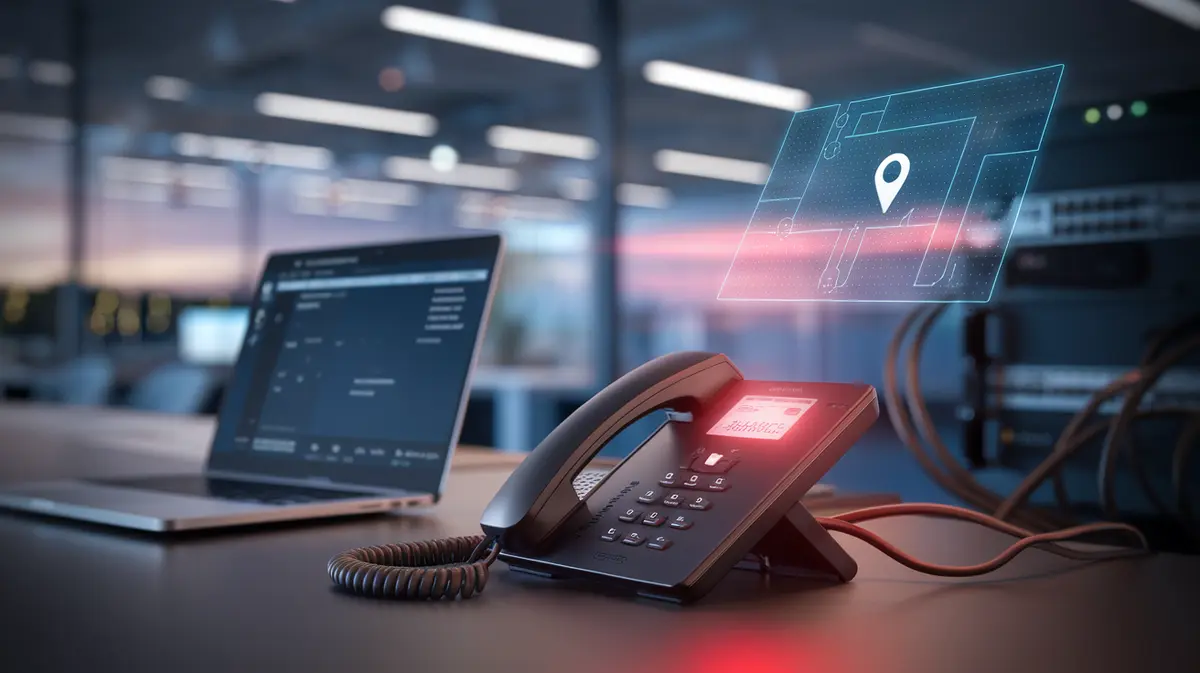
| Movable phone in the office | Dispatchable location when technically feasible | Location mapped from the network switch port, subnet or Wi-Fi access point |
| Softphone or remote phone | Automated dispatchable location if feasible, otherwise a location the user confirms or enters, or another approved alternative | The app asks the user to confirm where they are; network-based detection fills in known sites |
The 911 center does not see where your employee is. It sees what your phone system tells it, so the data you configure is what responders act on.
Where Modern Phone Systems Still Go Wrong
The hybrid worker problem
A laptop softphone has no fixed wall jack. If nobody confirms a home address, the platform falls back to whatever default it has, which is usually the company headquarters. Microsoft Teams, Zoom Phone, RingCentral and similar services can detect location automatically inside offices by mapping network subnets, switch ports or Wi-Fi access points to addresses, but only after an administrator builds that map. Outside known networks they depend on the user confirming an address, and many users dismiss the prompt.
Stale data after moves and remodels
Location records are set once and forgotten. A team moves to the third floor, a new wing opens or a branch relocates, and the phones still report the old suite.
Notifications that reach nobody
The Kari’s Law alert is often configured to go to a reception extension that is empty after five o’clock, or to an email inbox nobody watches. An alert that arrives after the ambulance does is not doing its job.
Calls routed to the wrong 911 center
911 calls are routed to a public safety answering point (PSAP) based on the address the system sends. A wrong address can land the call in a different jurisdiction, which then has to transfer it and costs time. The nationwide move to Next Generation 911 (NG911), which carries 911 calls and location data over IP networks, should make location data richer, but it still depends on accurate data at the source.
How to Audit and Test Your System
- Inventory every device that can place a call: desk phones, conference room phones, lobby and elevator phones, analog adapters, fax lines, softphone apps and mobile clients of the phone system.
- Confirm plain 911 works from each device type, with and without any outside-line prefix.
- Review the location map. Every site, building and floor should have a validated address, and every office subnet, switch or access point should map to one. Remove locations for sites you have closed.
- Turn on location prompts for remote users and make confirming a home address part of onboarding and of the yearly security training.
- Point notifications at people who are actually there: a security desk, a group of floor wardens, or a channel that alerts several phones at once, with after-hours coverage.
- Test without tying up 911. Many US providers support a 933 test number that reads back the address registered for the device you call from. If you must test live 911, call your local PSAP’s non-emergency number first to schedule it, and say it is a test as soon as the call connects.
- Repeat after every change: office moves, network re-addressing, a new phone platform or a new branch.
Quick Self-Check
Pick three people today: one at a desk, one in a conference room and one working from home. Ask each to dial 933 from the company phone system, or from the softphone on their laptop. If any of them hears the wrong address, or no address, your 911 setup needs work.
The Bottom Line
Emergency calling is the one phone system feature you hope never to use and cannot afford to get wrong. Kari’s Law makes sure 911 connects and someone on site knows about it. RAY BAUM’s Act makes sure the call carries a location precise enough to find the caller. Cloud platforms provide the tools for both, but they only work with accurate addresses, a current network map and remote users who keep their location up to date.
Internet Pros sets up and audits business phone systems and networks, including emergency location mapping for offices and remote staff. Contact us for a 911 readiness review of your phone system.