Infostealers and Session Hijacking in 2026: Why a Stolen Browser Cookie Walks Straight Past Your MFA, How Stealer Logs Are Sold, and What Device-Bound Sessions Actually Fix
- Internet Pros Team
- September 21, 2026
- Networking & Security
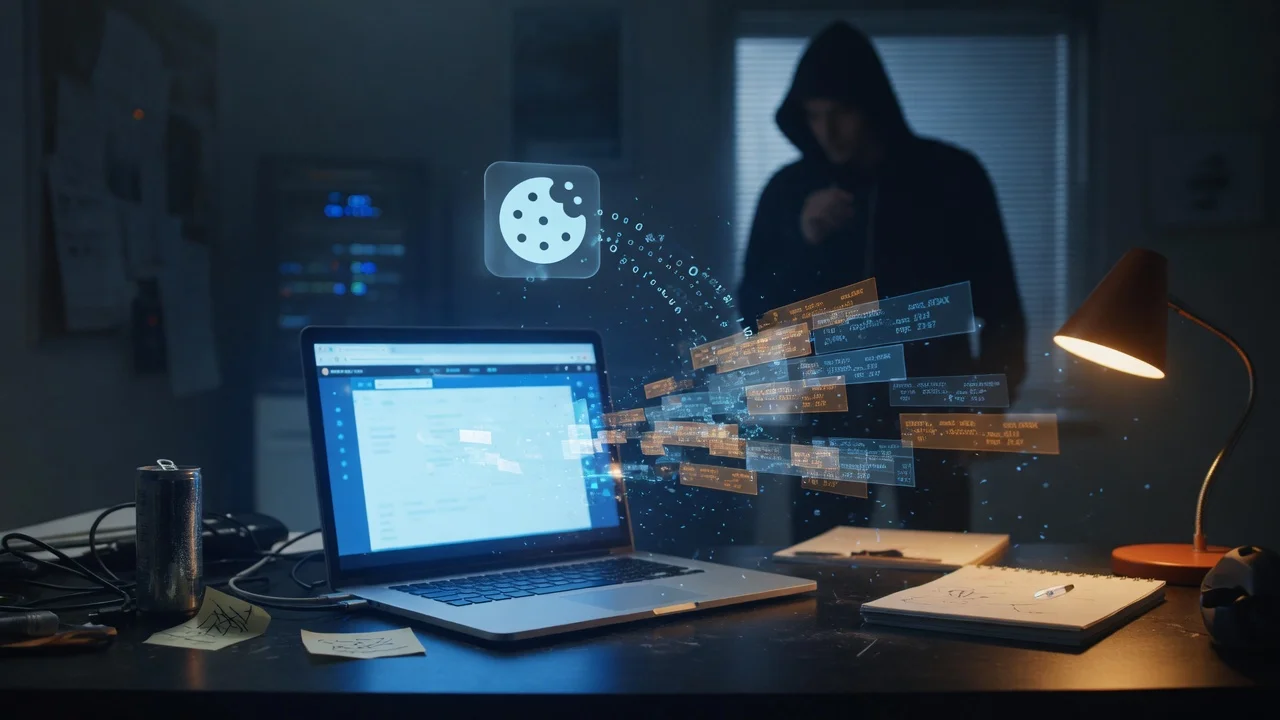
Multi-factor authentication was supposed to end account takeover, and against password guessing it largely has. Attackers adapted by skipping the login altogether. The fastest-growing way into business accounts in 2026 is not a stolen password but a stolen session: the small token a browser keeps after a successful sign-in, lifted off a laptop by commodity malware and replayed from somewhere else. The MFA prompt never appears, because as far as the service is concerned, the user already passed it.
What a Session Cookie Actually Is
When you sign in to email, a CRM or a cloud console, the service checks your password and second factor exactly once. It then hands the browser a session token, usually a cookie, that says in effect: this person has already proven who they are, stop asking. Every request after that carries the token instead of the credentials.
That design is what makes the web usable. It is also why a token is worth more to an attacker than a password. A password still has to get past MFA, risk scoring and new-device checks. A valid session token is the result of having passed them. Whoever presents it inherits the login, often for days or weeks, and on many services until someone explicitly signs out everywhere.
How Infostealers Harvest Them
Infostealers are small, cheap programs built for one job: grab everything valuable on a machine in seconds, upload it, and often delete themselves. They are sold as subscriptions to criminals who never write a line of code, and they arrive through the ordinary channels.
The Usual Infection Routes
- Cracked software and game cheats. Still the single biggest source, and a common reason a work session ends up on a personal device.
- Malvertising and fake downloads. A search ad for a popular tool leads to a convincing lookalike site serving a trojanised installer.
- Fake CAPTCHA pages. The ClickFix technique tells visitors to prove they are human by pasting a command into the Run dialog, and the command installs the stealer.
- Poisoned browser extensions and developer packages. An extension update or a typo-squatted package runs inside exactly the environment that holds the tokens.
Once running, a stealer collects saved passwords, autofill data, crypto wallets and, most valuably, the browser cookie database. The resulting bundle, called a log, is sold on marketplaces and private channels, sorted by which corporate domains it contains. A single log from a finance manager’s home PC can include live sessions for payroll, banking and the company mailbox.
The scale is industrial. The takedown of Lumma Stealer infrastructure by Microsoft and law enforcement in May 2025 involved seizing roughly 2,300 domains, and replacement families filled the gap within weeks. The Snowflake customer breaches of 2024 were traced to credentials taken by infostealers, some of them years earlier, against accounts that had no MFA at all.
Why MFA and Even Passkeys Do Not Stop the Replay
This is the part that surprises otherwise well-defended companies. Strong authentication protects the moment of sign-in. Session theft happens after that moment.
| Control | Stops password theft? | Stops real-time phishing proxies? | Stops a stolen cookie? |
|---|---|---|---|
| SMS or app codes | Yes | No | No |
| Push with number matching | Yes | Partly | No |
| Passkeys and FIDO2 keys | Yes | Yes | No |
| Device-bound session tokens | Not its job | Not its job | Yes, where supported |
Passkeys remain the right move: they kill phishing proxies that steal a session in real time. But malware sitting on the endpoint does not need to phish anyone. It waits for the legitimate user to authenticate, then copies the result.
The Browser Fights Back: Binding Sessions to the Device
The real fix is to make a stolen token useless on any other machine, and 2026 is the year that stopped being theoretical.
- App-Bound Encryption. Chrome on Windows has encrypted its cookie store with a key tied to the browser itself since mid-2024. It raised the cost of theft, but stealer authors published workarounds within weeks, which is why encryption at rest is not the whole answer.
- Device Bound Session Credentials. DBSC has the browser generate a key pair in the device’s TPM and forces the session to be refreshed frequently with proof of that private key. A copied cookie expires in minutes, and the key needed to renew it never leaves the hardware. Chrome has begun rolling it out on Windows, and the specification is open for other browsers and sites to adopt.
- Identity provider token protection. Microsoft Entra ID Token Protection binds sign-in session tokens to the enrolled device in Conditional Access, and similar controls exist in other major identity platforms. Coverage is uneven across apps, so check which of yours actually honour it.
- Continuous access evaluation. Instead of trusting a token until it expires, the service re-checks risk signals and can revoke a session within minutes when a password changes, an account is disabled or the network location jumps.
Treat a session token like a key, not a receipt. A receipt proves something happened once; a key opens the door every time someone holds it.
What to Do This Quarter
Most of the defence is unglamorous, and none of it requires waiting for every vendor to support device binding.
- Keep work sessions off personal devices. The stealer usually lands on a home PC shared with family and cracked games. Require managed or compliant devices for email, finance and admin consoles through conditional access.
- Shorten session lifetimes where the stakes are high. Admin portals, banking and payroll should demand re-authentication often; the webmail used all day can be more relaxed.
- Turn on token binding where your identity provider supports it, starting with administrators and finance staff.
- Stop saving passwords in the browser on shared or unmanaged machines, and move staff to a managed password manager or passkeys.
- Lock down extensions. Allow-list them by policy; an unreviewed extension has the same access to your sessions as the stealer does.
- Watch for impossible sessions, not just failed logins. The same session appearing from two countries, or from a hosting provider, is the signature of replay. Failed-login alerts will never fire.
- Rehearse the response. Resetting a password does not always kill existing sessions. Know how to revoke every active token for a user in each critical system, and do it first when an endpoint is flagged.
What This Means for a Smaller Business
Small companies are over-represented in stealer logs because the boundary between work and home devices is thinnest there. The owner checks the business bank from the family laptop; the bookkeeper works from a personal PC. Nothing about that looks like a breach until money moves.
You do not need a security operations centre to close most of the gap. Managed endpoint protection on every device that touches company accounts, a rule that business accounts are only used on business devices, sessions that expire sensibly, and knowing how to sign a user out everywhere will stop the majority of cookie replay. MFA got you past the password era. Protecting the session is the next step, and it is one you can take now.
If you are not sure which devices hold live sessions to your email, finance and admin tools, or how quickly you could revoke them, talk to Internet Pros. We secure endpoints, identity and business networks for companies that would rather close this gap in a review than discover it in an incident.