Power over Ethernet in 2026: Why a 90 W Port Can Run a Laptop but Overheat a Cheap Cable Bundle, What the 802.3af, at and bt Classes Actually Deliver, and How to Size a Switch Power Budget
- Internet Pros Team
- October 8, 2026
- Networking & Security
Most offices now run far more than computers off their network switch. Wi-Fi access points, security cameras, desk phones, door readers, conference room panels and even LED lighting draw their electricity from the same Ethernet cable that carries their data. Power over Ethernet (PoE) makes installation cheap and tidy: one cable, no electrician, no outlet in the ceiling. It also hides three problems that show up on support calls all the time: a switch that runs out of power, ports that negotiate less power than the device needs, and cable bundles that run warmer than anyone planned for.
What PoE Actually Is
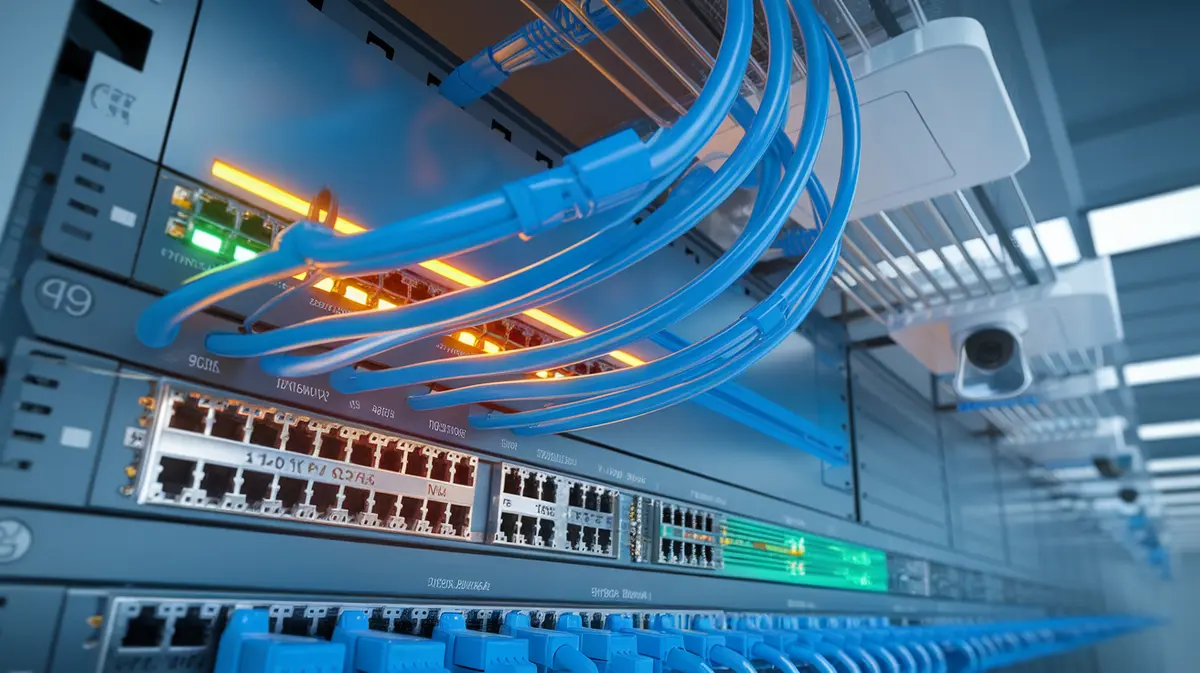
PoE sends DC power, nominally around 48 to 57 volts, over the same twisted pairs that carry network traffic. The device that supplies power is the PSE (Power Sourcing Equipment), usually a PoE switch or a single-port injector. The device that receives it is the PD (Powered Device). Before any power flows, the switch runs a short detection step to check for a signature resistance, then a classification step where both sides agree how much power the device may draw. That handshake is why a standards-based PoE switch will not fry a laptop that you plug into the same port.
The handshake is also the first place things go wrong. If a device cannot agree on a high enough class, it either refuses to boot or starts in a reduced mode, such as an access point that turns off a radio.
The Four Power Types, Decoded
Marketing labels like PoE+, PoE++, UPoE and Ultra PoE confuse people. The IEEE standards behind them are simpler. The key detail is that the switch sends more power than the device receives, because some is lost as heat in the cable.
| Standard | Common name | Power at the switch port | Power at the device | Typical devices |
|---|---|---|---|---|
| 802.3af (Type 1) | PoE | 15.4 W | 12.95 W | VoIP phones, basic fixed cameras, sensors |
| 802.3at (Type 2) | PoE+ | 30 W | 25.5 W | Wi-Fi 6 access points, video phones, door controllers |
| 802.3bt (Type 3) | PoE++ / 4PPoE | 60 W | 51 W | Wi-Fi 7 tri-band access points, PTZ cameras, thin clients |
| 802.3bt (Type 4) | PoE++ / High Power | 90 W | 71.3 W | Meeting room displays, heated outdoor cameras, some laptops and lighting |
Types 1 and 2 use two of the four pairs in the cable. Types 3 and 4 use all four pairs, which is why a high-power device behind an old two-pair midspan injector or a cheap splitter often fails to boot.
A switch box that says “48 PoE+ ports” rarely means 48 ports at 30 watts at the same time. Read the total PoE budget on the data sheet, not the port count.
The Power Budget Trap
Every PoE switch has a total power budget, set by its power supply. A typical 24-port PoE+ switch might offer 370 W, enough for all 24 ports at about 15 W each, but only a dozen ports at full PoE+. When a busy afternoon pushes the total over budget, the switch starts cutting power to ports according to its priority settings. The first sign is usually a camera that keeps rebooting or an access point that drops off the map for a few minutes.
Sizing a budget properly takes about fifteen minutes:
- List every powered device and its maximum draw from the data sheet, not its typical draw. Cameras with infrared night vision and heaters peak at night and in winter.
- Add cable loss. Budget against the switch-side figure for each class, not the device-side figure.
- Leave 20 to 30 percent of headroom for growth and for the day someone plugs a new Wi-Fi 7 access point into a port meant for a phone.
- Check how the switch allocates power. Some reserve the full class maximum for each port. Others allocate by actual draw (often called dynamic or LLDP-based allocation), which fits far more devices on the same budget.
- Set port priorities so door locks and security cameras keep power before lobby displays do.
If the PoE switch is on a UPS, size the UPS for the PoE load too. Otherwise a power cut silently takes the phones and cameras down with it.
Why Cable Quality Suddenly Matters
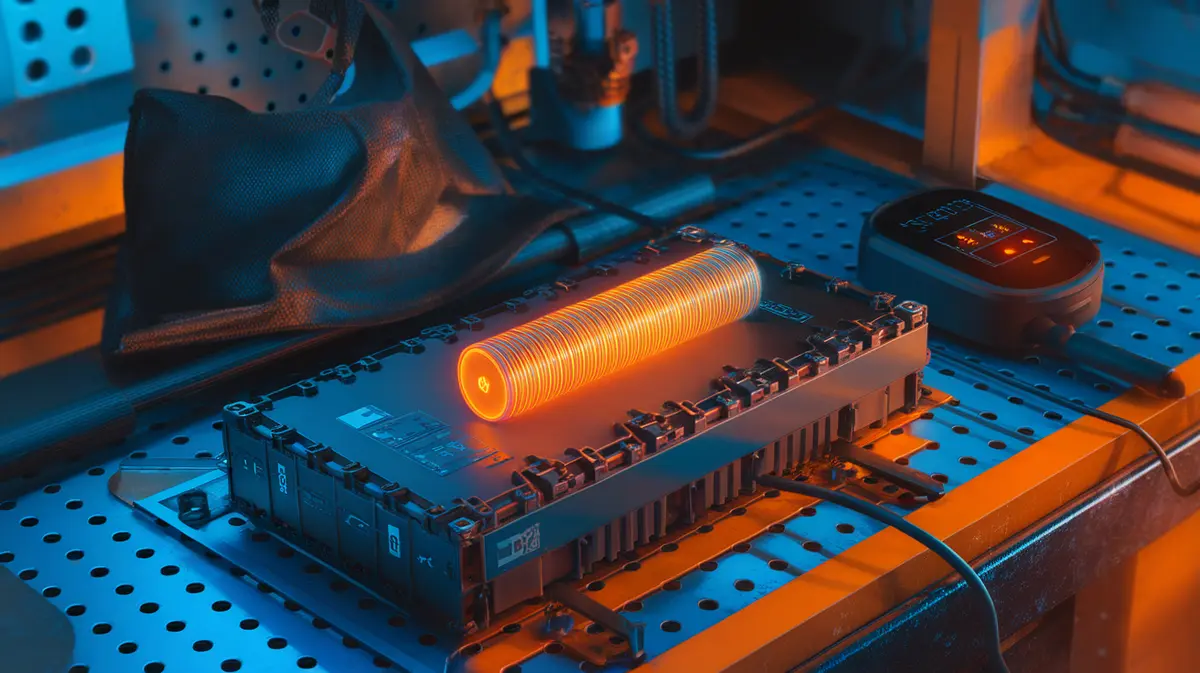
At 15 watts almost any cable works. At 60 to 90 watts, current flows through every pair and the copper heats up. A single cable stays only slightly warm, but a tight bundle of a hundred cables in a ceiling tray or conduit traps that heat. Hotter copper has higher resistance, so more power is lost and the cable can drift past its temperature rating. The US National Electrical Code added ampacity rules for exactly this case, and cables marked LP (Limited Power), such as Cat6A-LP rated at 0.5 or 0.6 A per conductor, are tested to carry PoE in large bundles.
The copper-clad aluminium problem
Cheap “Cat6” cable sold online is often copper-clad aluminium (CCA): an aluminium core with a thin copper coating. It does not meet the TIA standards for category cable, has noticeably higher resistance, and runs hotter under PoE load. If a box of cable costs half the market price, scrape the conductor with a knife. Silver underneath means aluminium. Use solid bare copper for anything carrying power.
The other cable rules still apply. Ethernet is limited to 100 metres per run including patch cords. For new installs that will carry Type 3 or Type 4 PoE, Cat6A is the sensible default, because its thicker conductors run cooler and it also supports 10 Gbps for future access points.
Passive PoE and Other Ways to Break Things
Not everything labelled PoE follows the IEEE handshake. Passive PoE, common on older outdoor radios and budget gear, puts a fixed 24 V or 48 V on the cable all the time with no detection step. Plug a laptop or a standard device into a passive injector and you can damage its network port. Label passive injectors clearly and keep them out of shared spaces. A few other habits prevent most PoE failures:
- Avoid unmanaged PoE switches for anything important. Without a management interface you cannot see per-port draw, budget use or which device was shut off.
- Check splitters and extenders. A PoE extender or a splitter that converts PoE to 12 V for a non-PoE camera consumes some of the budget and may only support two-pair power.
A Quick PoE Health Check
- Log into each PoE switch and note total budget against current draw. Anything above 70 percent needs attention.
- Confirm every Wi-Fi 6E or Wi-Fi 7 access point is getting the class it asks for, not a reduced mode.
- Check that cameras, door access and phones have the highest port priority.
- Verify the UPS can carry the full PoE load for your target runtime.
- Spot-check cable stock and recent installs for CCA, and specify solid copper Cat6A or LP-rated cable going forward.
Need help with your network?
Internet Pros designs and installs business networks, from structured cabling and PoE switch sizing to Wi-Fi 7 access point rollouts and security camera systems. Contact our team for a network assessment and find out whether your switches, cabling and backup power are ready for the devices you plan to add.